← All work NABC Mobile App · North American Bengali Conference

Case Study · Nov 2024

NABC
Mobile App

North American Bengali Conference

  • Product / UI-UX Design
  • QR Check-in
  • Wayfinding
  • Volunteer scanning

A wayfinding and contactless check-in app built to move thousands of attendees through entry and meals without the queues.

Howrah Bridge lit up at sunset over the Hooghly river, with ferries on the water

Project Overview

Celebrating culture, at scale

The event

NABC is an annual conference celebrating Bengali culture and connecting the diaspora community through cultural programs, food and shared events. At the scale of a multi-day conference, getting people through the door and fed without long queues is its own design problem.

My role

I took on the role of Product (UI/UX) Designer to build the companion app that attendees, volunteers and coordinators used to make that happen — tailored to a very wide range of ages and comfort levels with technology.

Problem Statement

The Core Challenges

  1. 01

    Queues at scale

    Getting thousands of attendees through the door and fed without long queues is its own design problem.

  2. 02

    Every age, every comfort level

    The audience spans tech-savvy young adults to elderly guests with limited tech experience.

  3. 03

    Families on one phone

    Groups with children or elderly attendees need to manage several entries and meals without handing out separate phones.

  4. 04

    Volunteers under pressure

    Volunteers need a straightforward, quick-to-navigate interface, particularly during peak times.

Objectives

What the App Had to Do

  1. 01

    Guide Attendees

    An easy, map-based way to find venues, stalls and checkpoints across the event space.

  2. 02

    Streamline Entry & Food Distribution

    QR codes for quick, contactless entry and food-packet collection instead of manual ticket checks.

  3. 03

    Enhance Usability for Families

    Let one person manage check-in and food collection for a whole group — kids, parents, grandparents — from a single phone.

  4. 04

    Enable Volunteer Assistance

    A dedicated scanning mode so volunteers could verify entries and meals quickly at peak times.

Yellow taxis
Yellow taxis
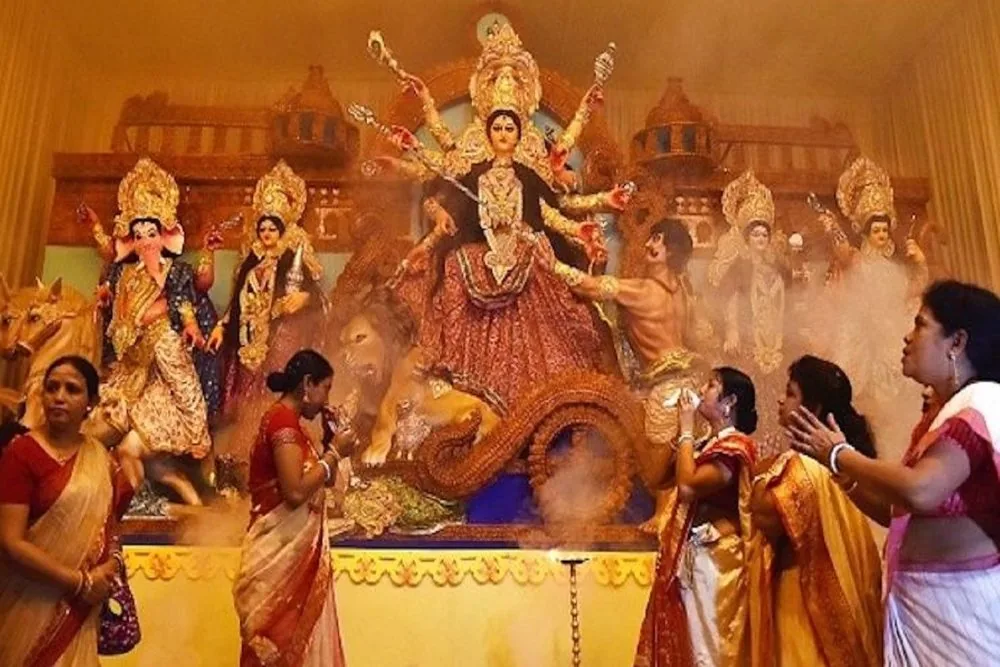
Durga Puja
Durga Puja
Howrah Bridge at night
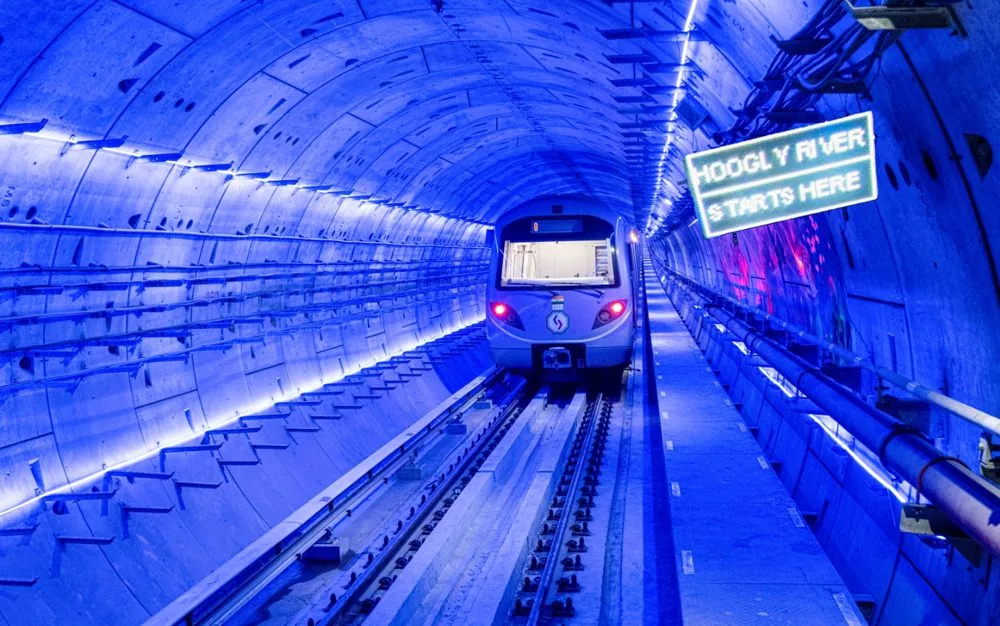
Kolkata metro
Kolkata metro
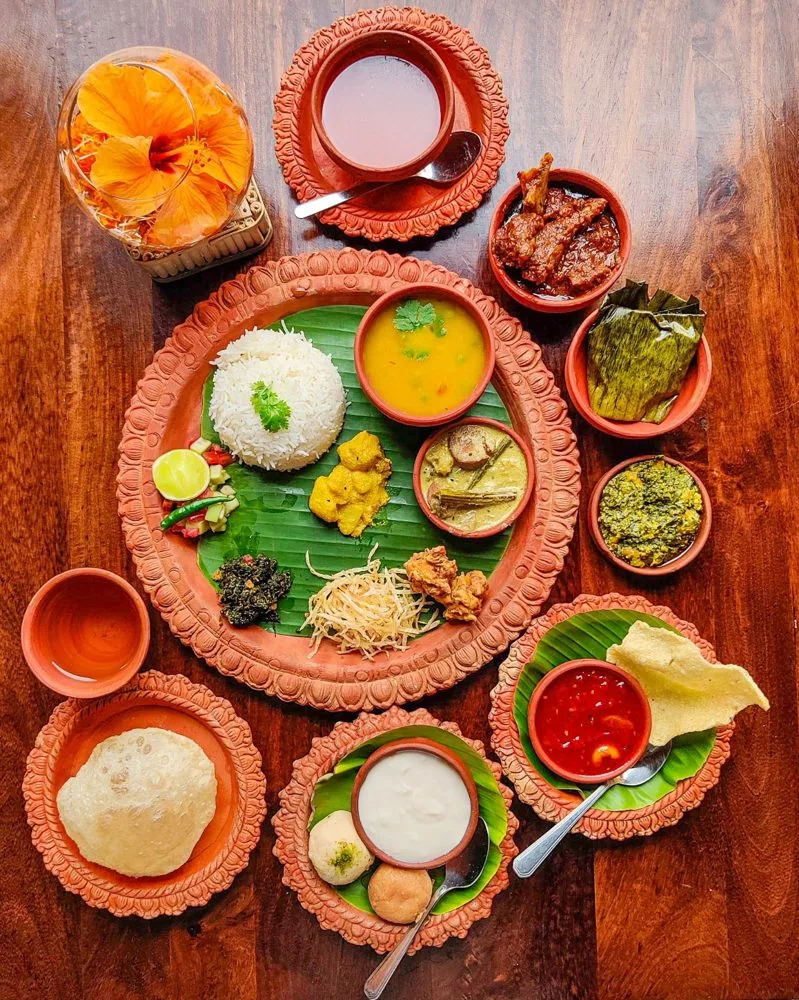
Bengali thali
Bengali thali
Victoria Memorial
Victoria Memorial
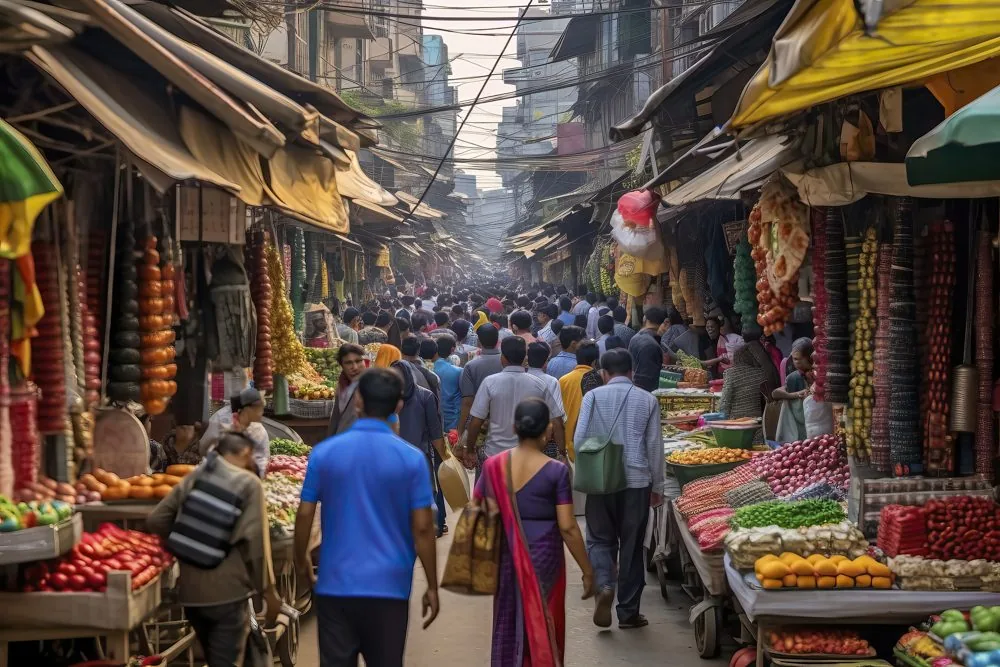
Local markets
Local markets
Puja pandal
Puja pandal

Mood Board

Getting into NABC

I collected Kolkata and Durga Puja references first, and used the board to choose the app’s colours.

Festival

Durga Puja pandals, idols and the red-and-white saree: the energy the app had to carry.

City

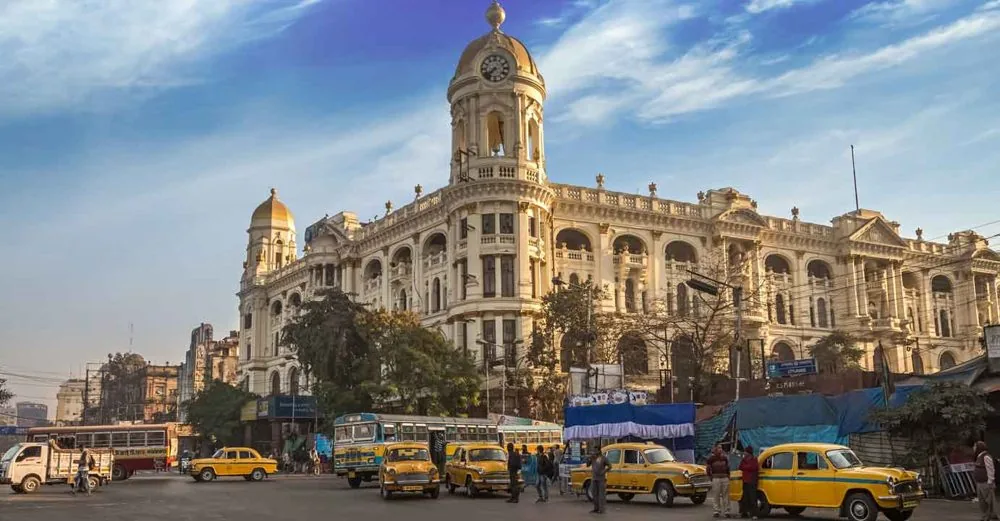
Yellow taxis, Howrah Bridge, the Victoria Memorial and the metro: the places attendees know.

Food and street life

Thalis, sweets and crowded markets: food and movement are what the event runs on.

User Flow

Attendee App

  1. Splash screenEvent brand and logos
  2. Sign inLog in or guest
  3. Enter OTPVerification code
  4. Wrong codeError and resend OTP
  5. HomeUpcoming & featured
  6. EventsDay, type, place
  7. Event detailsMap and schedule
  8. FoodPick day and meal
  9. QR passOne per meal
  10. ProfileAccount and event info
  11. DirectoriesSponsors, FAQ, policies
  12. Guest homeEvent info, no loginWithout logging in
  13. DirectoriesSponsors & exhibitors
  14. RegisterSponsor, attendee, vendorLog in from here returns to Sign in

Look first, log in later

Sign in has an Explore as guest option: event info, sponsors and exhibitors are open to everyone, and Register or Log In is one tap away.

Browse the event, eat with a QR

After login, Events filters by day, type and place, and every meal has its own QR pass with passes left and used.

Everything else in Profile

Account, sponsors and exhibitors, FAQ, packages and policies, plus Log Out.

User Flow

Volunteer App

  1. Splash screenEvent brand and logos
  2. Sign inSame as attendees
  3. Enter OTPVerification code
  4. Wrong codeError and resend OTP
  5. Volunteer homeTwo jobs, two tiles
  6. Registration KioskScan or type reg. no.
  7. Ticket checkGoodie-bag checklist
  8. Food CounterPick day and meal
  9. Mark packetsSlide 0–5, then submit
  10. Food logsWho collected what

Same sign-in, two jobs

Volunteers log in the same way as attendees, then choose Registration Kiosk or Food Counter from a two-tile home.

Scan, verify, record

A large scan area, a registration-number fallback and the attendee’s ticket and goodie-bag checklist keep the line moving.

Mark packets, keep the log

Food packets are set with a 0–5 slider and submitted; the logs show who collected what.

Design Approach

Designing for Every Attendee

  1. 01

    User-centric design

    Given a diverse user base spanning every age and tech comfort level, the design emphasized simplicity, readability and accessibility above all.

  2. 02

    Seamless user flow

    From onboarding to QR presentation, every interaction needed minimal taps to reach maps, codes, or the master-control dashboard.

  3. 03

    Volunteer interface

    Built for clarity and speed, so a new volunteer could get scanning without extensive training.

Problem Solving

Managing Multiple Tickets on One Device

Challenge

Ensuring users could efficiently control multiple entries and food collections from one device without compromising security.

Solution

A master-control dashboard where users could toggle between different attendees’ QR codes, reducing complexity while maintaining security checks per person.

Problem Solving

Smooth Volunteer Operations & Diverse Users

Challenge

Volunteer speed

Volunteers needed a straightforward, quick-to-navigate interface, particularly during peak times.

Solution

A minimalistic UI enabling fast access to scanning and real-time validation, cutting attendee wait times.

Challenge

Diverse demographics

The app had to work for tech-savvy young adults and elderly attendees with limited tech experience alike.

Solution

A simplified UI with large, clearly labelled icons and step-by-step prompts made the app accessible to everyone.

Prototype

UI for Attendee App

Tap through the phone, or pick a step to jump there.

Prototype

UI for Volunteer App

Tap through the phone, or pick a step to jump there.

Results & Impact

What Changed

  1. 01

    Faster entry & food collection

    QR-based check-in noticeably cut wait times at both the entrance and the food line.

  2. 02

    Self-serve navigation

    The interactive map gave attendees an easy way to find their way without asking staff.

  3. 03

    Simplified group management

    Families and groups could manage multiple attendees with ease via the master-control feature.

  4. 04

    Smoother volunteer operations

    Volunteers could assist attendees more effectively even during peak crowd times.

NABC Mobile App

Designing for high-traffic events

Working on the NABC mobile application underscored how much accessible, user-centered design matters for event-based apps serving very diverse groups under real time pressure.

01 / 14